Roles & Access
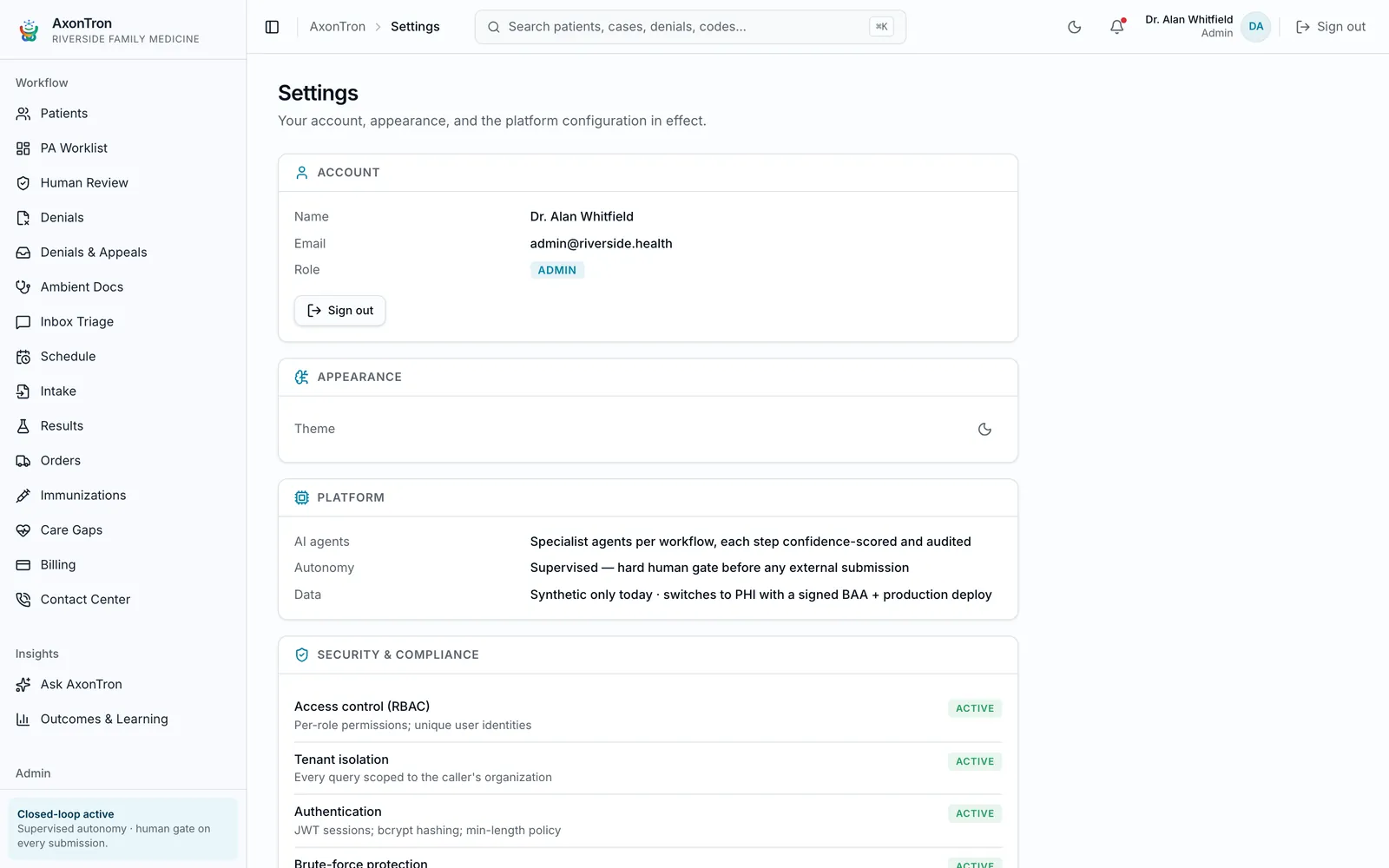
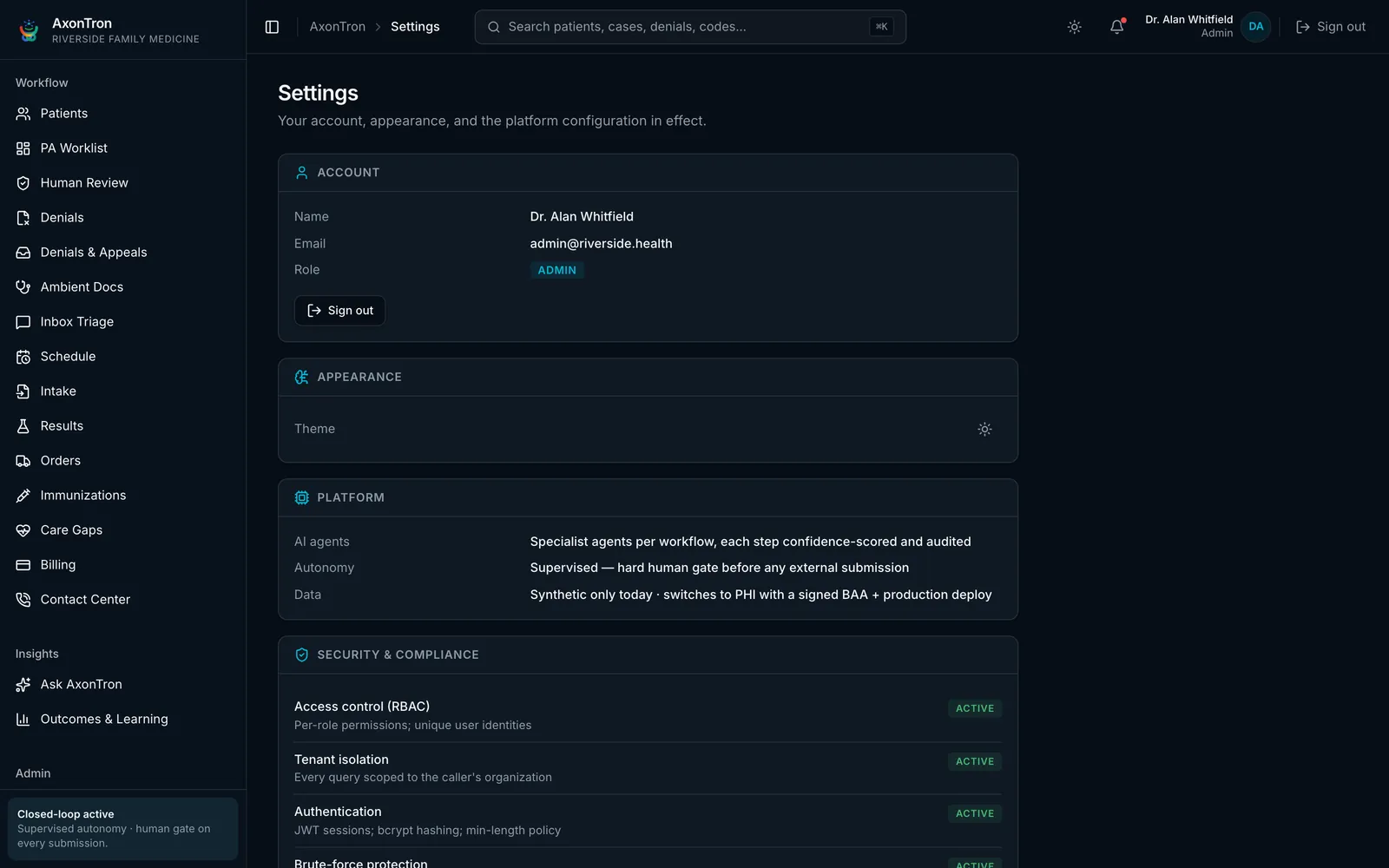
Settings → TeamWhat you can approve depends on your role.
Overview
Your administrator creates accounts and assigns roles — admin, clinician, reviewer, biller — from Settings → Team. Roles determine which human gates you can act on: clinicians sign notes and release results, reviewers approve prior-auth packets, billers own statements and denials, and admins manage configuration and the team.
Who acts here
Admins manage the team; every other role maps to the gates it can approve.
Tips
- Practice staff sign in at axontron.com/login.
- If you can't approve something, check your assigned role with your administrator.